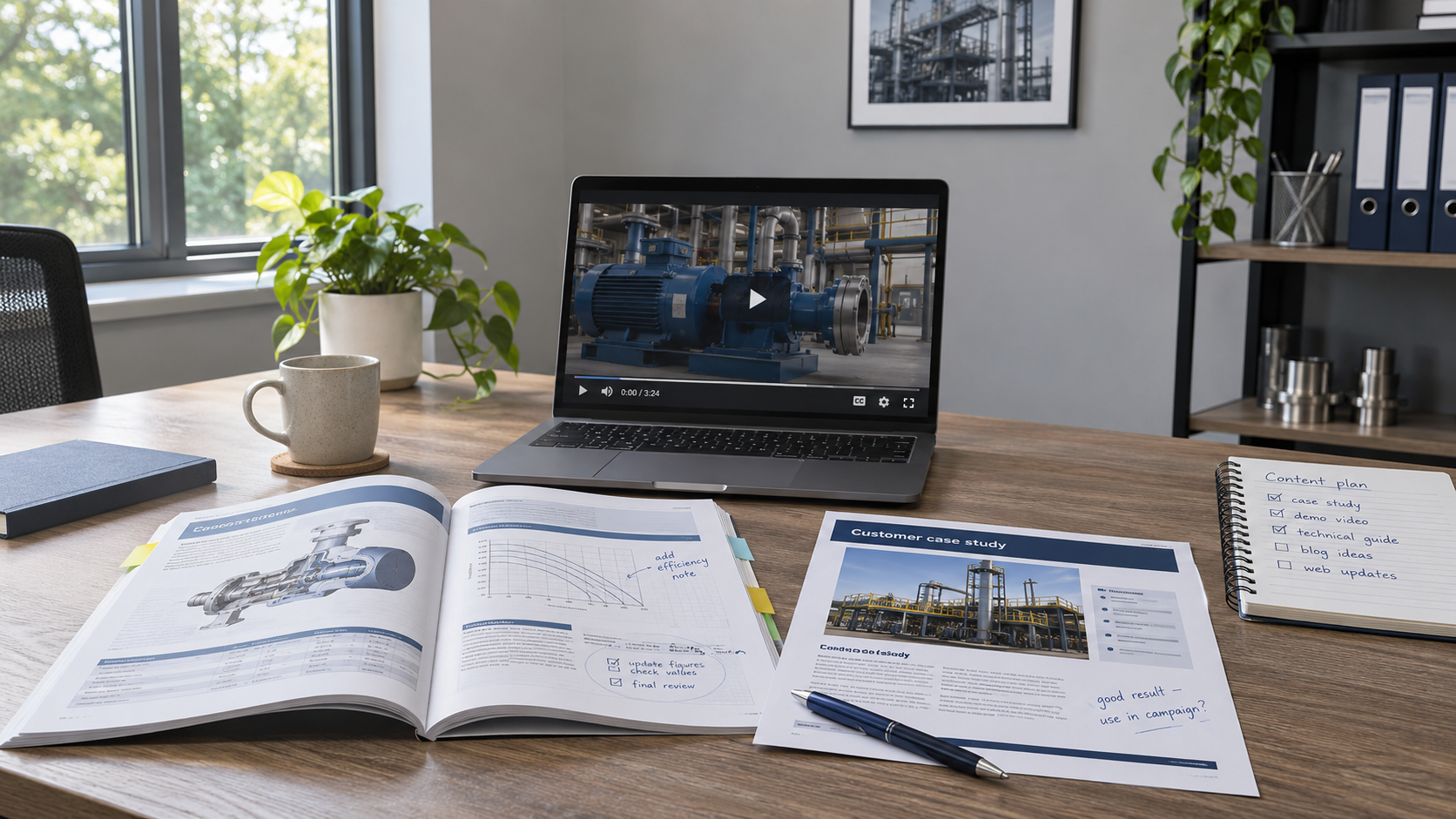
B2B buyers need to understand what a product or service will do in practice. Video can show equipment in operation, walk someone through a software process or let a customer explain the decisions behind a project. It gives people a closer look at your work and helps them assess whether your expertise is relevant to their business.
YouTube gives those explanations a place where buyers can find them during their research. Google and NRG’s B2B buyer research highlights its role in tutorials and product demonstrations. YouTube’s search and recommendation systems also give useful videos opportunities to reach people looking into related subjects.
This guide explains how to get more views on YouTube through 12 practical steps, from choosing useful topics and improving thumbnails to promoting your videos and measuring the response.
| What to improve | What to do | B2B example |
|---|---|---|
| 1. Audience and channel | Answer a specific customer question | Equipment selection |
| 2. Topic research | Research demand and existing answers | Maintenance questions |
| 3. Titles and descriptions | Use buyer language and useful website links | A demonstration with a supporting guide |
| 4. Custom thumbnails | Show the subject clearly and test alternatives | An actual product photograph |
| 5. Viewer retention | Deliver the answer early | A walkthrough with chapters |
| 6. Playlists, cards and end screens | Offer a relevant next video | A buying guide followed by a demonstration |
| 7. Promotion and scheduling | Coordinate releases with supporting content | LinkedIn posts and customer emails |
| 8. Connected Shorts series | Connect related short explanations | Setup and maintenance episodes |
| 9. Expert interview podcast | Explore specialist questions regularly | Discussions with engineers |
| 10. Customer and expert collaborations | Combine expertise and relevant audiences | A supplier and installer demonstration |
| 11. Relevant overseas markets | Support the languages your buyers use | Translated product explanations |
| 12. YouTube Analytics | Review discovery, viewing and enquiries | Topics that support sales conversations |
1. Understand Your Audience and Set Up Your Channel
You are not making videos for everyone, which is why your content should target a specific audience. Ask sales and support which questions they answer repeatedly, such as comparing specifications or preparing for installation.
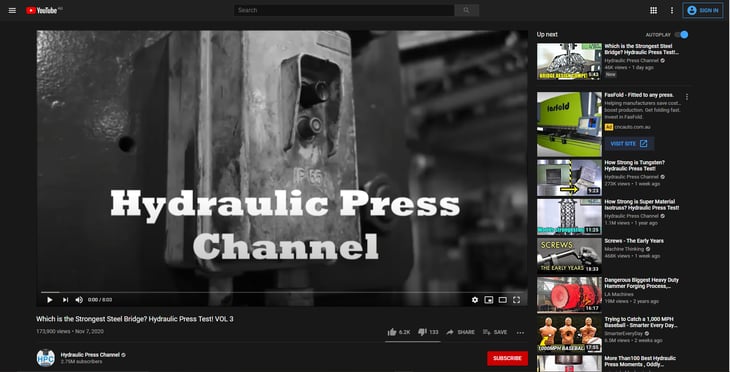
A supplier to engineering businesses might explain how to compare equipment specifications. A software provider could demonstrate a reporting task. Give each video a defined subject and identify the person it should help, such as an operations manager, a technical evaluator or someone using the system.
Do not forget to put all relevant contact information on the channel, as well as links to your main website. Use a recognisable logo, a clear banner and a description explaining what you cover.
Set a schedule your team can sustain. YouTube says daily or weekly uploads are not required. Allow time for technical review, using a video content strategy to organise the work.
2. Research Topics Before Producing Videos
Before committing to a video, check what viewers search for and watch. Combine those signals with customer questions. Examine existing videos and identify what your team can explain more clearly, demonstrate properly or bring up to date.
Use Research in YouTube Studio to explore relevant topics and videos watched by your audience. Its Outlier Score identifies videos attracting unusually high traffic compared with their channel’s previous uploads. Group useful questions into topic clusters to plan connected explanations.
For a B2B supplier, that might lead to a comparison of maintenance requirements or an explanation of how to read a specification. Use the research to choose a useful question and define the evidence you need.
3. Use Clear Titles and Descriptions
Use a title that tells someone what they will learn. “How to compare pump operating costs” gives a buyer more context than “Our latest solution”. YouTube Search considers relevance, engagement and quality, including how the title, description and video match a search. Tags mainly help with common misspellings.
Use the search terms appearing in your YouTube Analytics, questions from customers and the wording in technical enquiries to develop topics. Include the relevant product, process or problem in natural language.
In the video description, summarise the answer and add a link to a relevant page on your website, such as a product guide or consultation page. Explain why someone should visit. Clickable external links in long-form descriptions require advanced feature access.
Add UTM parameters to identify recorded website visits from YouTube. Use consistent source, medium and campaign names, with utm_content identifying the individual video. For example:
https://www.example.com/product-guide?utm_source=youtube&utm_medium=organic_video&utm_campaign=product_guides&utm_content=pump_costs
Replace the example URL and names with your own. Test the link and confirm the YouTube source and campaign appear in GA4’s Traffic acquisition report.
4. Create and Test Custom Thumbnails
There are a few key properties to an effective thumbnail. For instance, your thumbnail should be clear and accurately depict what is in the video. Show the equipment, screen or result viewers will actually see.
Likewise, the thumbnail should "stand out" and work alongside your title. Keep any text readable at a small size.
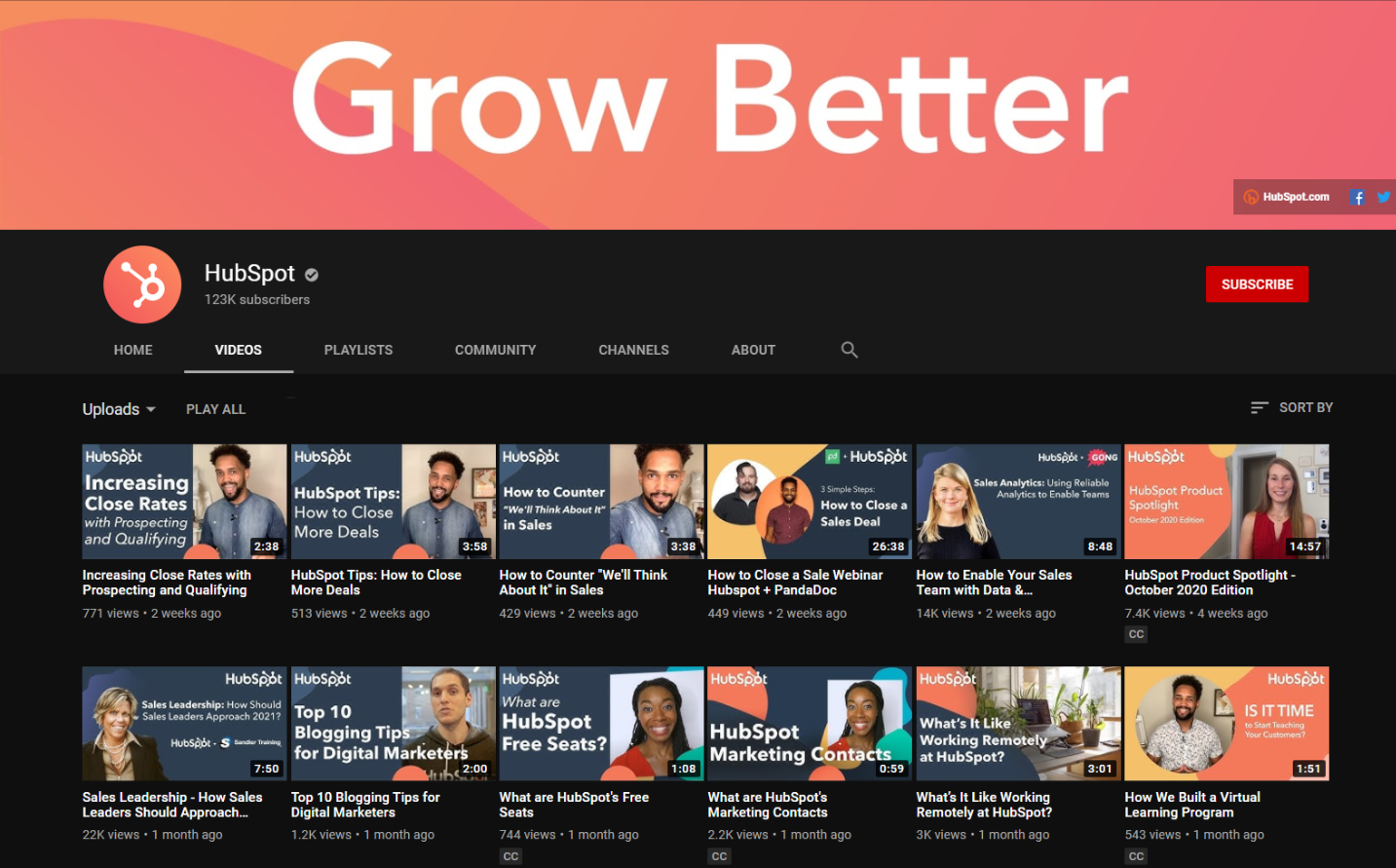
Keep the design credible. Use real photographs or screenshots where useful. Check AI designs for invented product details and unrealistic equipment. YouTube warns that misleading thumbnails can turn viewers away and is working to reduce low-quality, repetitive AI content.
Avoid generic generated imagery or excessive effects that make the subject harder to recognise. Review changes alongside watch time and retention to understand whether the viewers you attract stay to watch.
For eligible long-form videos, YouTube Studio can test up to three titles, thumbnails or combinations. The desktop tool requires advanced feature access and evaluates watch time. Test meaningful differences; limited evidence may produce no clear winner.
5. Keep Viewers Watching
Open with the task or demonstration people came to see. Keep company introductions brief. Use the audience retention report to investigate where viewers leave, skip or rewatch, then watch those sections before deciding what to change.
A replayed section might contain a useful explanation, or it might be difficult to follow. Use the pattern to decide what to clarify or bring forward in your next video.
Make speech clear and technical details visible. Review automatic captions for errors in product names and units. Motion graphics and animation can clarify processes that are difficult to film.
Add chapters with descriptive timestamps to longer demonstrations. Manual chapters must start at 00:00, include at least three timestamps and last at least ten seconds each.
6. Use Playlists, Cards and End Screens
Help viewers find the next relevant explanation. A playlist could connect a buying guide, a product demonstration and an installation walkthrough.
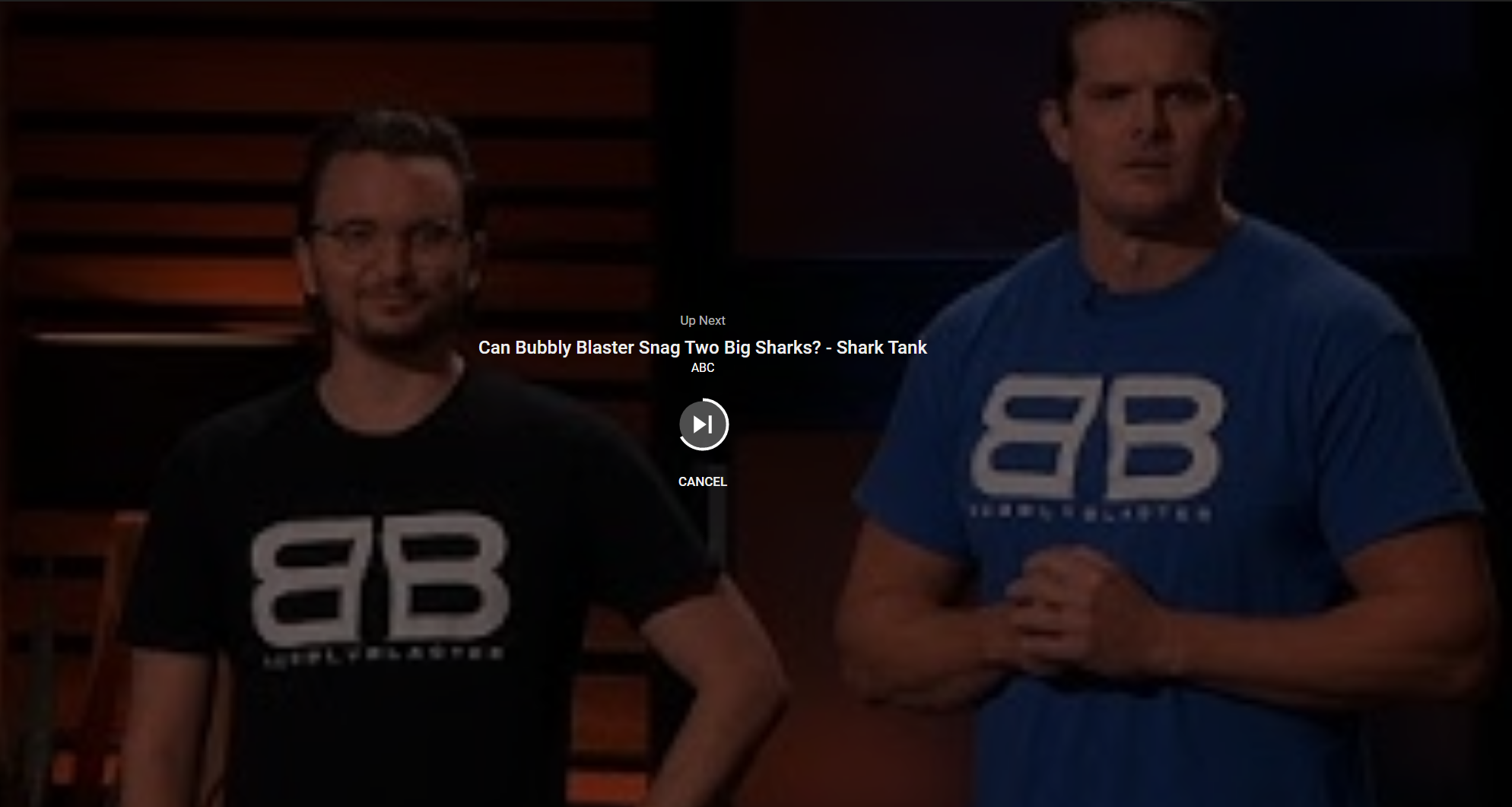
Use cards where another video or playlist adds useful context. Keep the linked material current.
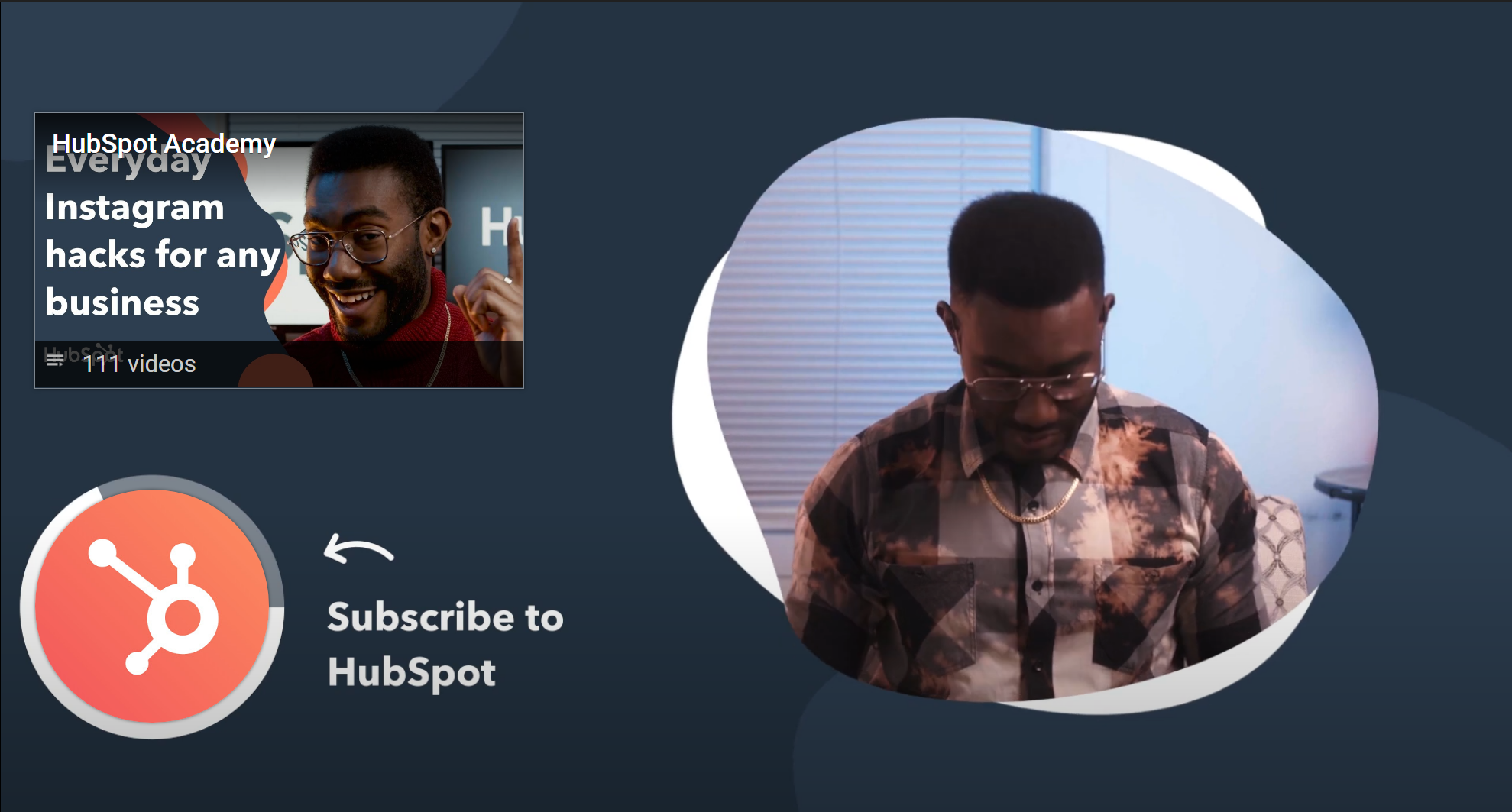
On the other hand, an end screen is a visual call-to-action to encourage viewers to check out similar content or subscribe to your channel. Plan one clear next step. YouTube supports end screens in the final 5–20 seconds of eligible videos at least 25 seconds long.
7. Promote Your Videos and Plan Releases
Share videos where they answer questions for an existing audience, including relevant LinkedIn posts, customer emails and product pages. Explain what someone will learn before asking them to watch.
With Marketing Hub Professional or Enterprise, you can publish and schedule YouTube videos through HubSpot after connecting your channel. Associate the video with a campaign and coordinate supporting posts and emails. A shared sales and marketing automation plan keeps follow-up organised.
On your website, place a useful written summary and supporting links alongside an embedded video.
Google’s video search guidance explains that eligibility for dedicated video features depends on a watch page where the video is the main content. Adding an embed to an ordinary blog post does not automatically meet that requirement.
8. Create Connected Shorts Series
Use Shorts for a focused demonstration or tip. Give related episodes a shared question and clear sequence, such as preparation, setup and maintenance. Each episode should make sense independently.
For example, show one stage of a manufacturing process or one step in a software workflow. Include enough context for the clip to make sense on its own.
YouTube’s Shorts series features offer a “Watch series” button and navigation between episodes. Use them where available to your channel.
With advanced feature access, add a related video to a Short when viewers need a fuller explanation. URLs in Shorts descriptions and comments are not clickable, so use the supported related-video link for that next step.
9. Run an Ongoing Expert Interview Podcast
Build an ongoing expert interview podcast around questions your audience needs to understand. A host could discuss equipment reliability, project decisions or implementation lessons with engineers, project managers and customers. Give each episode a specific question and ask for practical examples.
You can create a podcast in YouTube Studio and organise full episodes in a podcast playlist. Eligible podcasts can appear in YouTube Music and additional discovery features. Keep promotional clips separate and maintain a realistic publishing schedule.
10. Collaborate With Customers and Industry Experts
Create videos with people whose experience improves the explanation and whose audiences overlap with yours. A manufacturer and installer could demonstrate a system together. Agree on contributions and promotion, using the evidence and permissions expected for a customer case study.
Consider YouTube’s collaboration feature when participants have channels. Accepted invitations display collaborators and subscription buttons. YouTube intends it to support discovery across participating audiences, although an immediate increase in recommendations is not guaranteed.
11. Localise Content for Relevant Overseas Markets
If you serve customers overseas, start with useful videos for markets you can support, such as installation explanations or product comparisons.
YouTube supports translated titles, descriptions and additional audio tracks. Translated metadata helps viewers find videos in their language. Advanced feature access supports uploading your own audio tracks; eligible videos can also use automatic dubbing.
Have someone who understands the language and subject review technical terms, units and instructions. Check that linked specifications and support information suit the audience too.
12. Use Analytics to Improve Your Next Video
Review discovery, clicks and viewing behaviour. Compare content of the same format, because Shorts and long-form behaviour differ. Registered thumbnail impressions exclude external websites and apps, so their CTR does not cover every viewing route.
| What the data shows | What to investigate |
|---|---|
| Few relevant impressions | Topic demand, search terms and the explanation itself |
| Impressions but few views | Title and thumbnail clarity, compared by traffic source |
| Viewers leaving early | Whether the opening delivers the title’s promise |
| Views without enquiries | Audience relevance, website next steps and tracking |
Since the 31 March 2025 Shorts counting change, views count starts and replays without a minimum watch time. Include “Engaged views” when assessing viewers who continued watching.
Review UTM-tagged website visits, qualified enquiries and sales feedback alongside views. Our guide to measuring SEO and AEO ROI explains attribution limits. A view alone cannot establish commercial contribution.
Record relevant interactions in your CRM and ask sales which videos prospects mention. Assess those signals over your buying cycle, with enquiry tracking checked before drawing conclusions.
Use AI to Support the Production Work
YouTube has announced tools for research, draft feedback and conversational editing. Check availability for your channel and have a specialist review generated material. Follow YouTube’s disclosure requirements for realistic AI-generated or meaningfully altered footage.
You could prepare an outline from approved source material or identify passages in a transcript to turn into shorter clips. Have the relevant specialist check captions and generated visuals for technical accuracy.
Make the Written Explanation Useful Too
Use clear summaries and readable headings on supporting pages. Google’s AI Search guidance confirms that established SEO practices apply and important information should be available as text. No special AI markup is required.
Build a Video Library Your Buyers Can Use
Keep demonstrations and supporting links current. Connect videos to your wider B2B content mix, using approved material in guides, customer stories and sales presentations.
Partner Up With a Smart Growth Agency
Fileroom is a B2B growth marketing agency that connects content, growth marketing, sales enablement and CRM. Our team can help you plan useful videos, coordinate promotion and measure the website enquiries they support. Book a free consultation with Fileroom to discuss how to boost YouTube views and connect your video strategy with sales and marketing.
FAQs
Why are my YouTube videos getting few views?
Check topic demand, impressions, clicks and retention separately. Compare similar videos and traffic sources before deciding whether the subject, packaging or viewing experience needs attention.
How often should a B2B business upload to YouTube?
Choose a schedule your team can maintain while keeping information accurate. Daily or weekly uploads are not required. Allow time for specialist review and production.
Should B2B businesses use Shorts or longer videos?
Use Shorts for focused tips and longer videos for comparisons or workflows. Add a related-video link when a Short needs a fuller explanation.
What should we change first: the title, thumbnail or video?
Few clicks from impressions suggest reviewing packaging. Early departures suggest examining the opening and expectations. Compare similar traffic sources before drawing conclusions.
Can an older YouTube video gain more views?
Yes. Interest can change and new viewers can discover older videos. Check accuracy, update supporting links and consider testing clearer titles or thumbnails.
Do B2B videos need expensive production?
Match production to the explanation. Prioritise clear audio and visible detail. Equipment demonstrations may need extra filming or animation; software walkthroughs need readable screens.
Can we use AI to prepare our videos?
AI can assist with outlines, editing and supporting material. Have a specialist check accuracy, and follow disclosure rules for realistic generated or meaningfully altered footage.
How do we connect YouTube activity to B2B enquiries?
Put UTM-tagged website links in eligible video descriptions. Review recorded visits in GA4 and enquiries in your CRM, alongside sales feedback and attribution limits.